Cull Thousands of Photos in Minutes. Every Decision Still Yours.
Let AI find the photos worth keeping and make photo culling faster and easier.
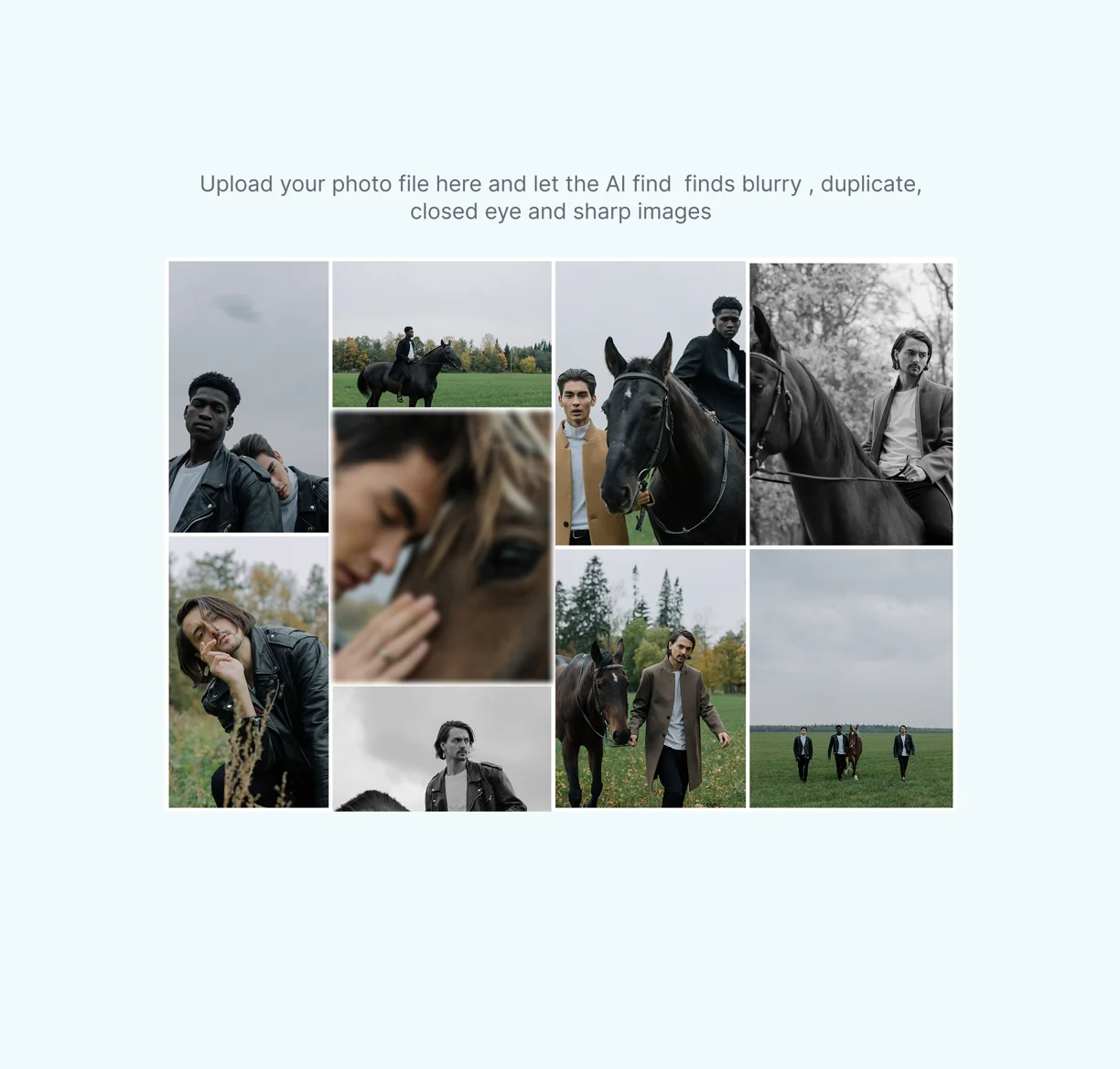
Thousands of photos. Hundreds of duplicates. Hours of reviewing.
Meet Snapshare ai culling
12K+
Photographers on Snapshare
40M+
Photos delivered to clients
120+
Countries
How it works
A simple workflow that helps you quickly identify, filter and select the best photos from every shoot.
Import photos directly from your local folders. Everything stays on your device, no cloud upload required.
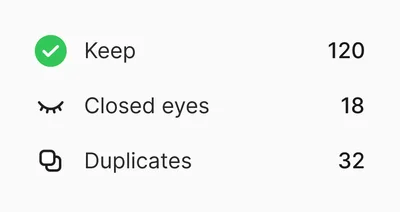
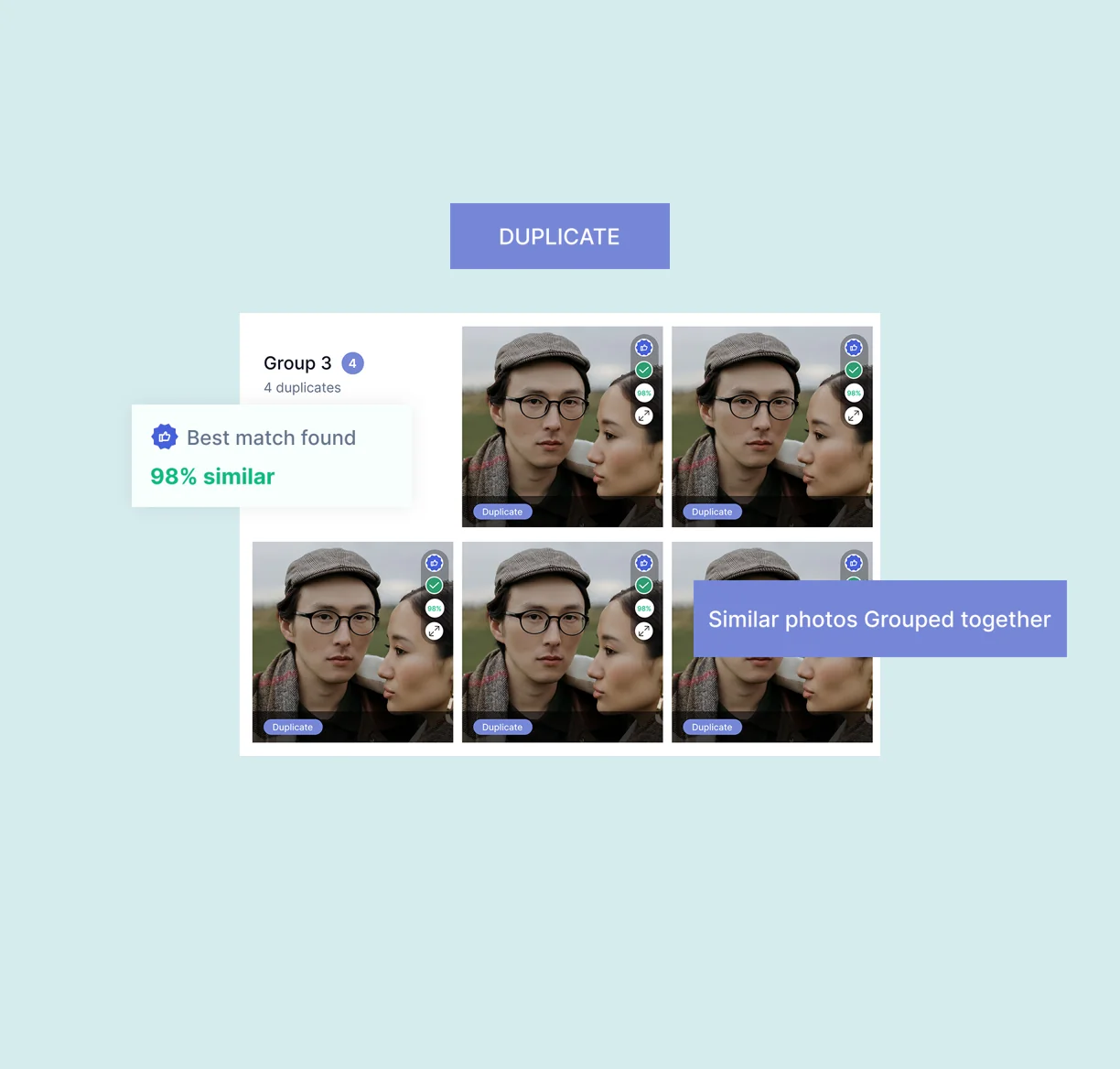
Automatically identify similar and duplicate photos so you can review only the strongest options.
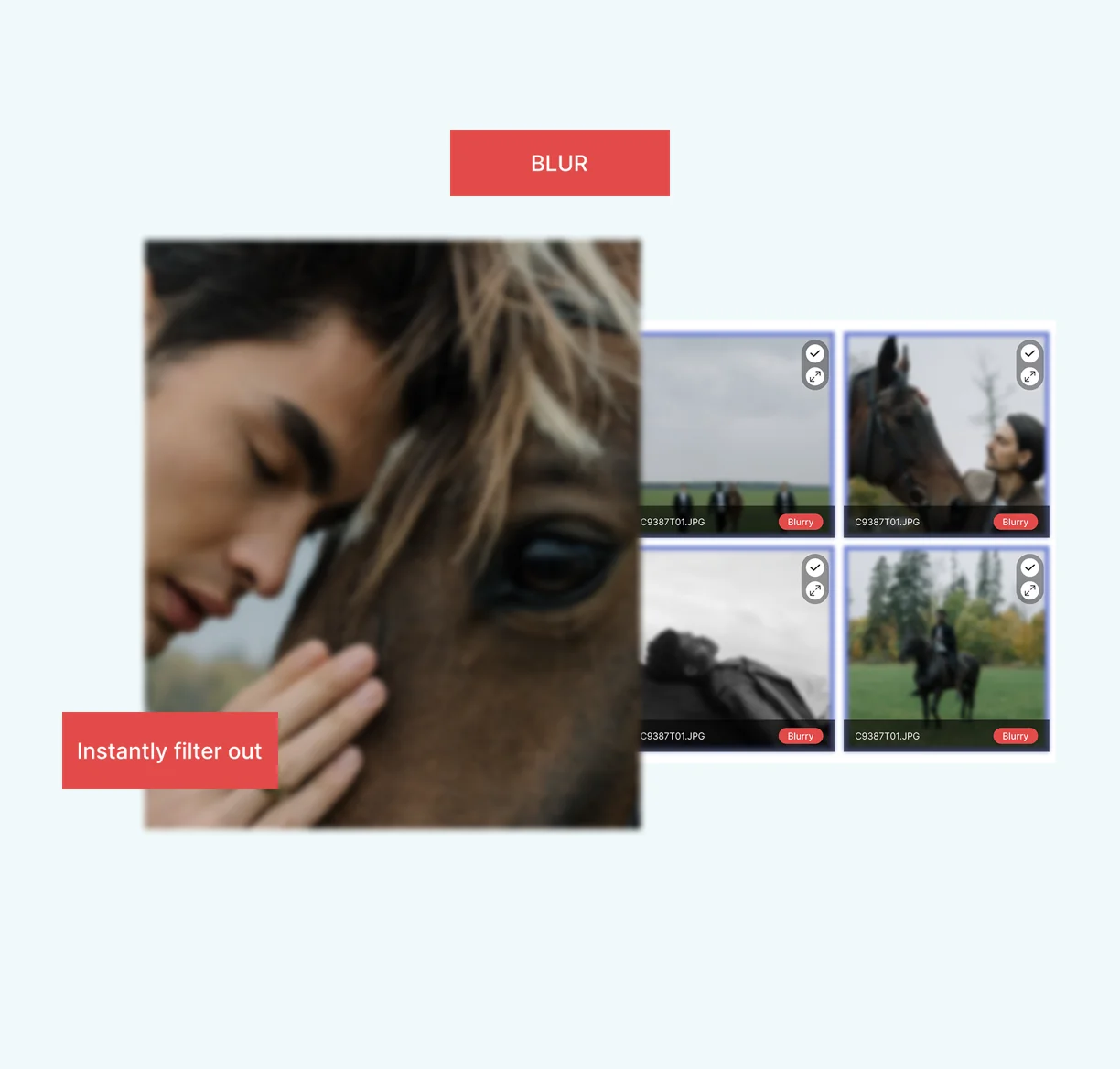
Find blurry or out-of-focus photos and filter them out quickly.
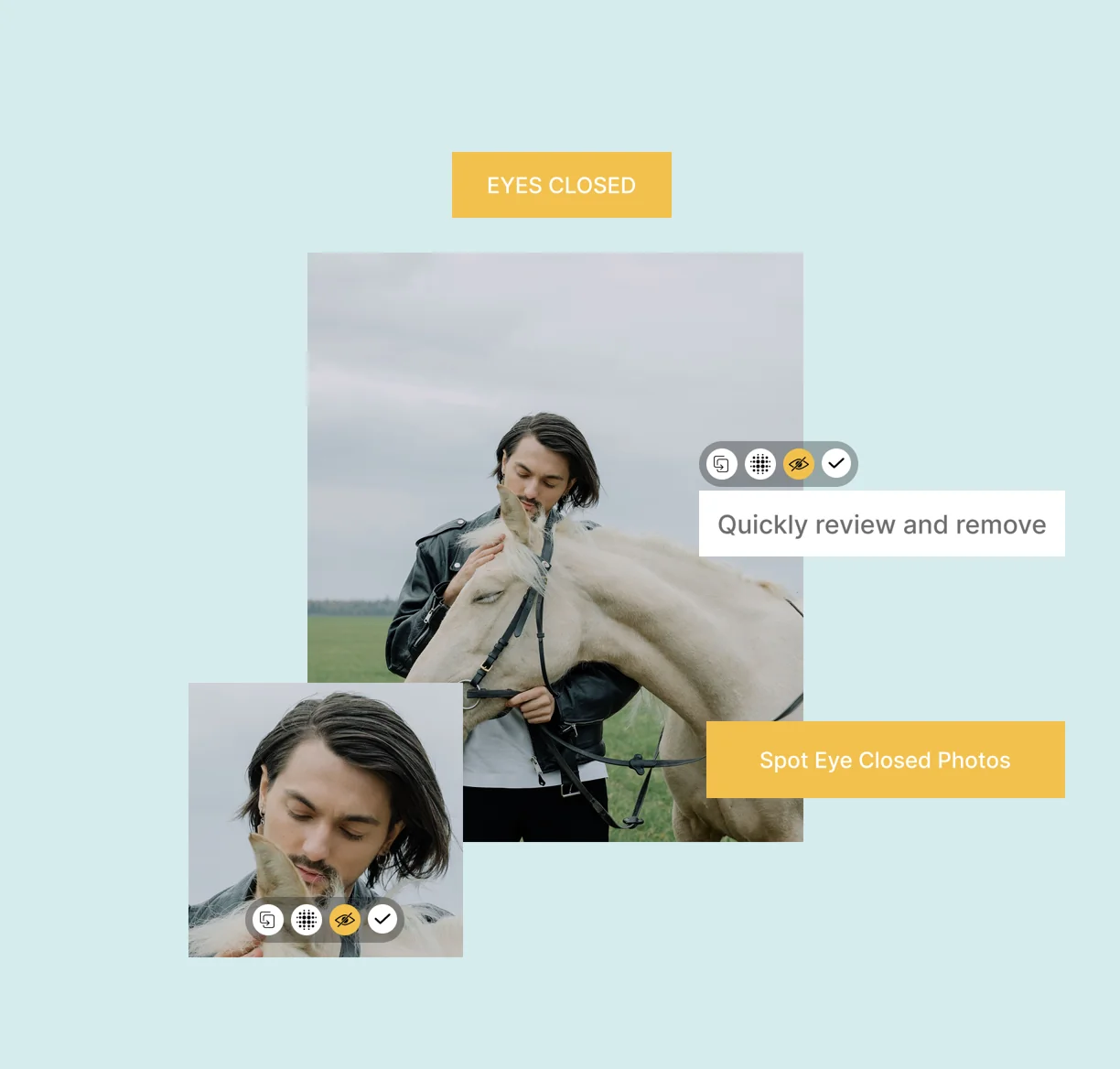
Identify photos where subjects have their eyes closed, making review faster.
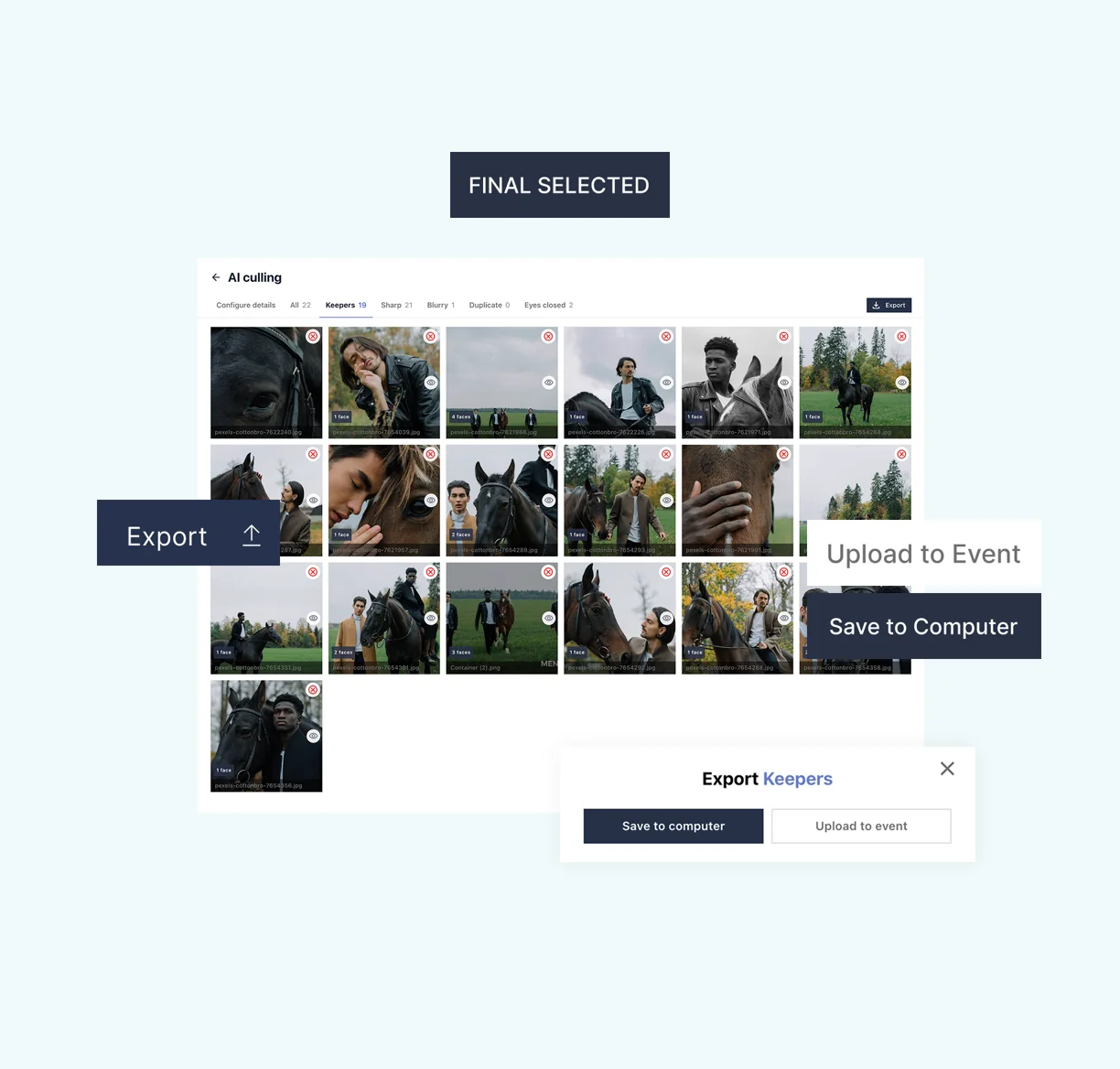
Your best photos, ready to go. Export them to a local folder or upload them directly to your Snapshare event.
Why Photographers Choose AI Culling

100% Local Processing
Every photo is processed entirely on your computer using offline AI.

Photographer in Control
Review and adjust AI recommendations while staying in complete control of your final photo selection.

Works Offline
Review, sort and cull photos without an internet connection.
Included with your Snapshare account
 No separate subscription needed
- No per-image charges
- Unlimited local culling sessions
One Platform. One Connected Workflow.

Import Photos


AI Culling

Upload to Event

Gallery

Client Delivery
FAQ
If you have any further questions, our support team is readily available to help!
No. AI photo culling runs entirely on your computer. Your photos are never uploaded, collected or stored so you can review and cull images with complete privacy.
No. AI Culling works entirely offline. Every photo is processed locally on your computer, allowing you to review and cull photos without an internet connection.
AI Culling supports JPG, PNG, WebP, HEIC/HEIF and major camera RAW formats, including Canon, Nikon, Sony, Fujifilm, Panasonic, Olympus, Leica, Hasselblad, Pentax, Phase One, Sigma, Kodak, DNG and more.
Yes. AI Culling supports photos up to 150 MB each, making it easy to work with high-resolution JPEGs and RAW files.
No. Your original photos are never modified or deleted. AI Culling helps you review, organize and select your keepers, while your original files remain untouched.