Best Client Gallery Platforms for Photographers in 2026
A practical guide to choosing the right gallery for your photography workflow and client experience.
Best Client Gallery Platforms for Photographers in 2026
A practical guide to choosing the right gallery for your photography workflow and client experience.
Introduction
Choosing a client gallery platform is not just about finding a place to upload photos.
For photographers, a gallery is often the final part of the client experience. It is where clients see their images for the first time, choose their favorites, download their photos and sometimes even order prints or share the gallery with family and friends.
That makes the right gallery platform more important than it may seem.
A good client gallery should make your work look professional while making your workflow easier behind the scenes. It should help you spend less time managing files and more time shooting, editing and growing your photography business.
In 2026, photographers have more options than ever. Some platforms focus mainly on beautiful galleries. Others combine galleries with client management, photo selection, storage, delivery and business tools.
So which client gallery platform makes sense for your photography business?
This guide looks at some of the popular options and what each one is designed to do.
What should photographers look for in a client gallery?
Before comparing platforms, it helps to understand what actually matters.
A gallery can look beautiful and still create extra work for you. On the other hand, a platform with many features may feel complicated if you only need a simple way to deliver photos.
The right choice depends on your workflow.
Here are some things worth considering.
A professional client experience
Your gallery is part of your brand.
Clients should be able to open their photos easily on both desktop and mobile. The experience should feel clean and professional without distracting from your photography.
Look for customizable galleries, branding options and an easy client login.
Easy photo delivery
Uploading thousands of images and sending them to clients should not become another full time task.
A good platform should make it simple to organize images into galleries and deliver them without unnecessary steps.
Photo selection
If you photograph weddings, portraits, commercial projects or events, clients may need to select their favorite images.
A useful platform should let clients mark their selections and give you an easy way to see what they chose.
Some platforms also provide selection limits, deadlines and other controls that can make this part of the workflow much easier.
Storage and file management
Photography creates a lot of files.
Think about how much storage you need now and how much you are likely to need as your business grows. Also check what happens when you reach your storage limit.
Client management
If you are managing several clients at the same time, a gallery alone may not be enough.
Some platforms combine galleries with CRM features. This can help you keep client information and projects organized in one place.
Automation and AI
AI is becoming a bigger part of photography workflows.
Features such as face recognition, AI culling and automated organization can reduce repetitive work. But they are most useful when they fit naturally into your existing workflow.
The goal is not to have the most AI features.
The goal is to spend less time on repetitive tasks.
The best client gallery platforms for photographers in 2026
There is no single platform that is perfect for every photographer.
The following platforms take different approaches to client galleries and photography workflows.
1. Snapshare
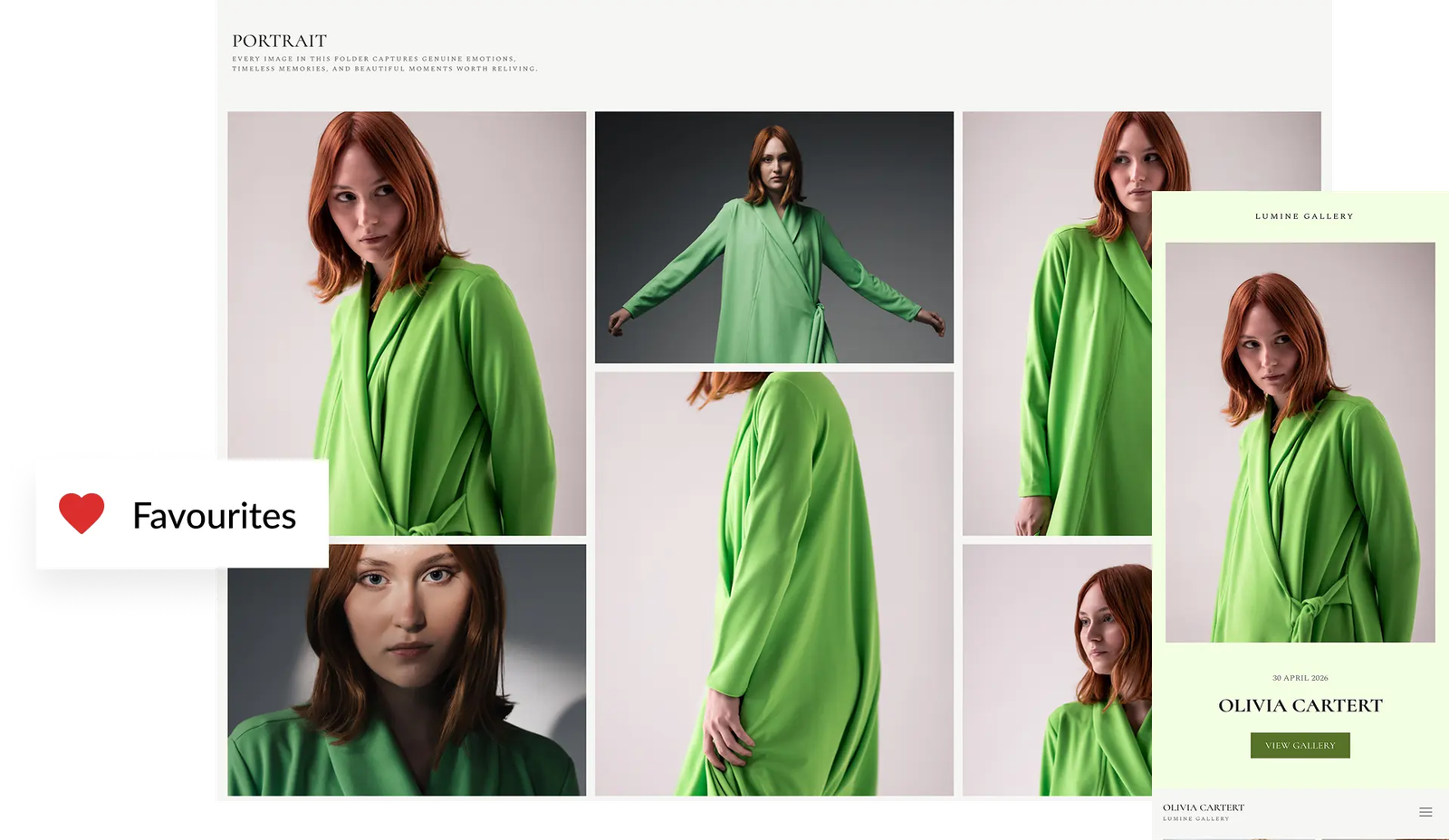
Snapshare is built around the idea that a client gallery can be more than a place to deliver finished images.
Its platform combines client galleries with tools designed to support different parts of the photography workflow.
Photographers can create branded client galleries for delivering images to clients. The platform also includes features such as photo selection, AI face recognition, AI culling, digital invitations and workspace tools.
This makes it particularly interesting for photographers who want their gallery and workflow tools to work together instead of managing everything across separate platforms.
What stands out
- Client galleries
- Photo selection
- AI face recognition
- AI culling
- Built in CRM
- Digital invitations
- Workspace
- Branded client experience
The photo selection feature is useful when clients need to choose images from a collection. Photographers can set selection limits and deadlines and manage selected images from the same workflow.
The platform also goes beyond traditional photo delivery with tools such as digital invitations and AI powered features.
For photographers who are looking for a platform that connects different parts of their client workflow, Snapshare offers a broader approach than a gallery only service.
Snapshare
2. Pixieset
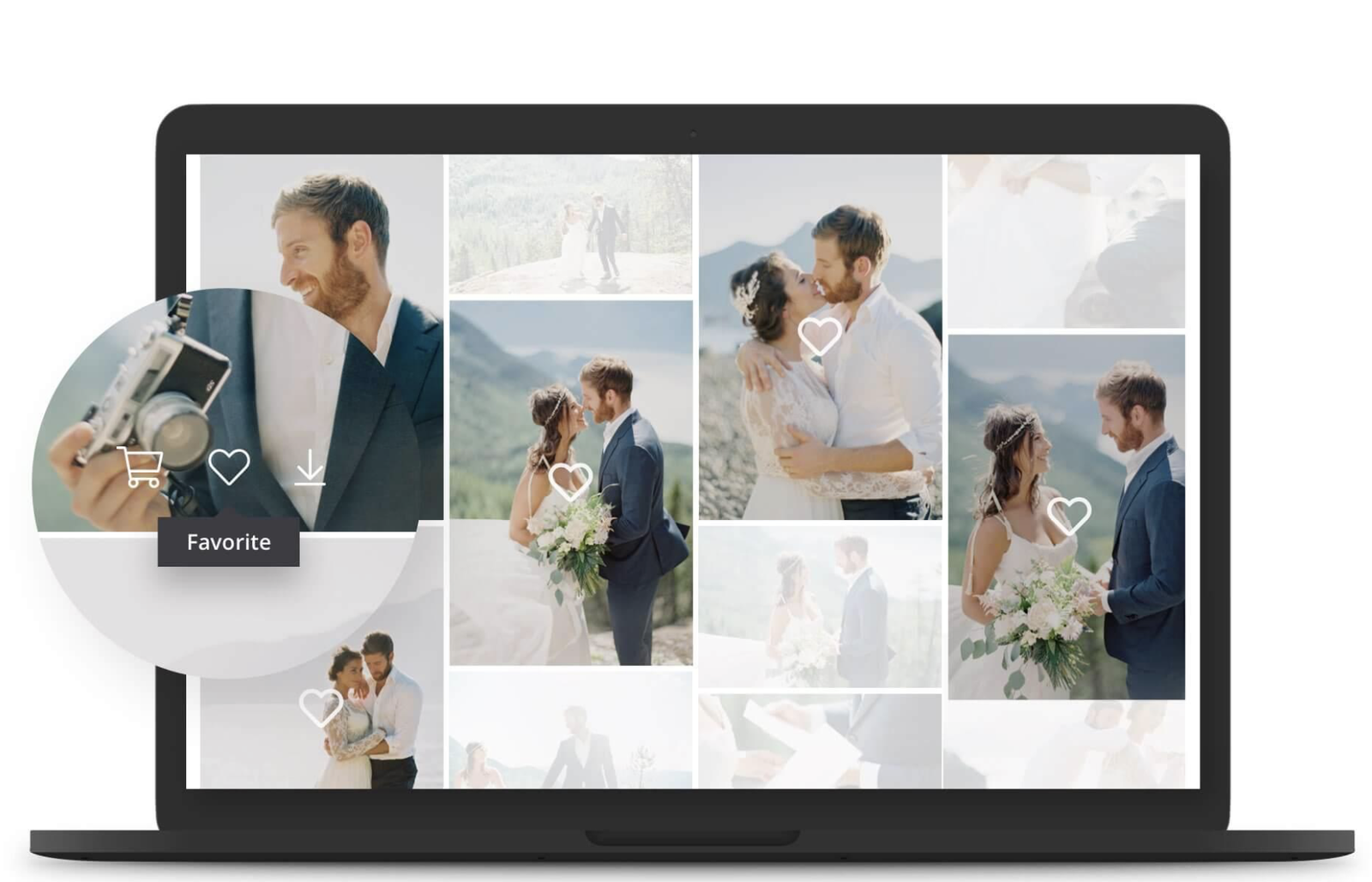
Pixieset is one of the well known names in the photography gallery space.
It offers online galleries for photographers along with tools for client management, websites, stores and other business needs.
Its gallery experience is designed around presenting photography in a polished way while giving clients an easy way to view and download their images.
Photographers who want several business tools within one photography focused ecosystem may find its broader platform useful.
What stands out
- Client galleries
- Website tools
- Online store
- Client management
- Photography business tools
The main thing to consider is whether you need a complete photography business platform or simply a gallery for delivering images.
3. Pic-Time

Pic-Time focuses heavily on the client gallery experience.
It is particularly popular among wedding and portrait photographers who want galleries to feel like an extension of their brand.
Along with galleries, Pic-Time offers features around client delivery, sales and marketing.
For photographers who want to use their gallery as part of the client buying experience, these features can be important.
What stands out
- Beautiful client galleries
- Online photo sales
- Marketing tools
- Client delivery
- Gallery customization
One thing to think about is how much of the platform you actually need. If your workflow includes sales and marketing through the gallery, these tools can be valuable. If you only need simple photo delivery, a more focused platform may be enough.
4. ShootProof
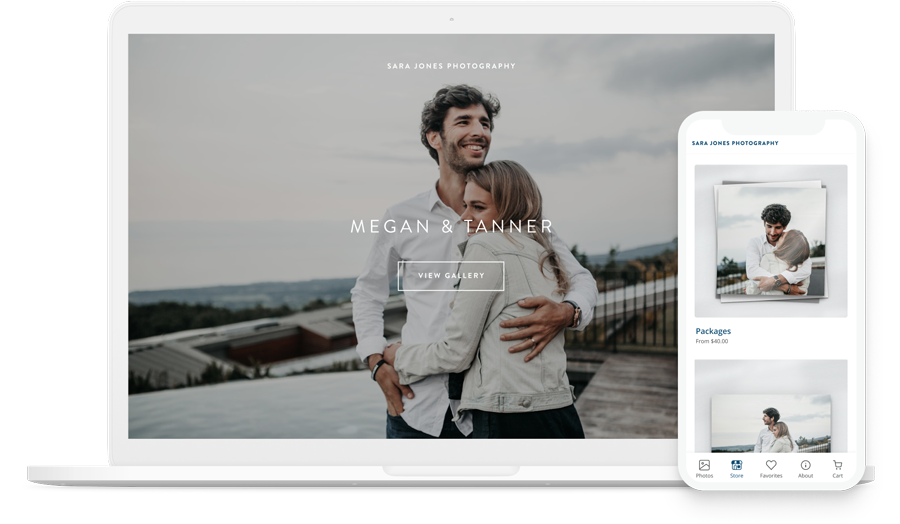
ShootProof is another established option for photographers who need galleries and client delivery tools.
The platform supports galleries, image delivery, proofing and sales features.
It is designed for photographers who want to manage the client side of their photography business from one platform.
What stands out
- Online galleries
- Photo proofing
- Client delivery
- Print sales
- Contracts and business tools
For photographers who work with clients through several stages from proofing to final delivery, this type of setup can be useful.
5. Zenfolio
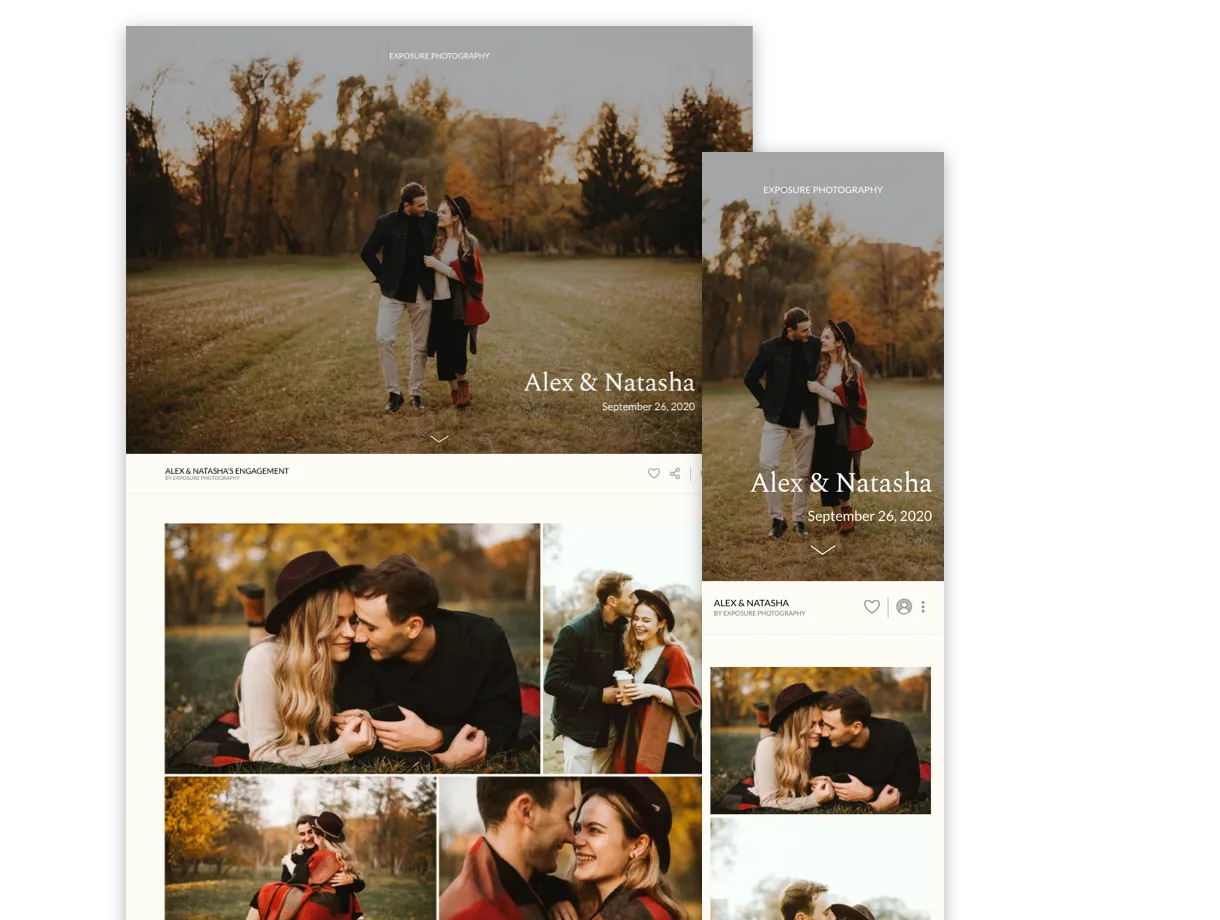
Zenfolio combines photography websites with galleries and business features.
It can be useful for photographers who want their website and client gallery experience to live within the same ecosystem.
The platform also includes tools for selling photography and managing different parts of an online photography business.
What stands out
- Photography websites
- Client galleries
- Online sales
- Photo hosting
- Business tools
t can make sense for photographers who want a more complete online presence rather than using a gallery as a standalone service.
6. CloudSpot
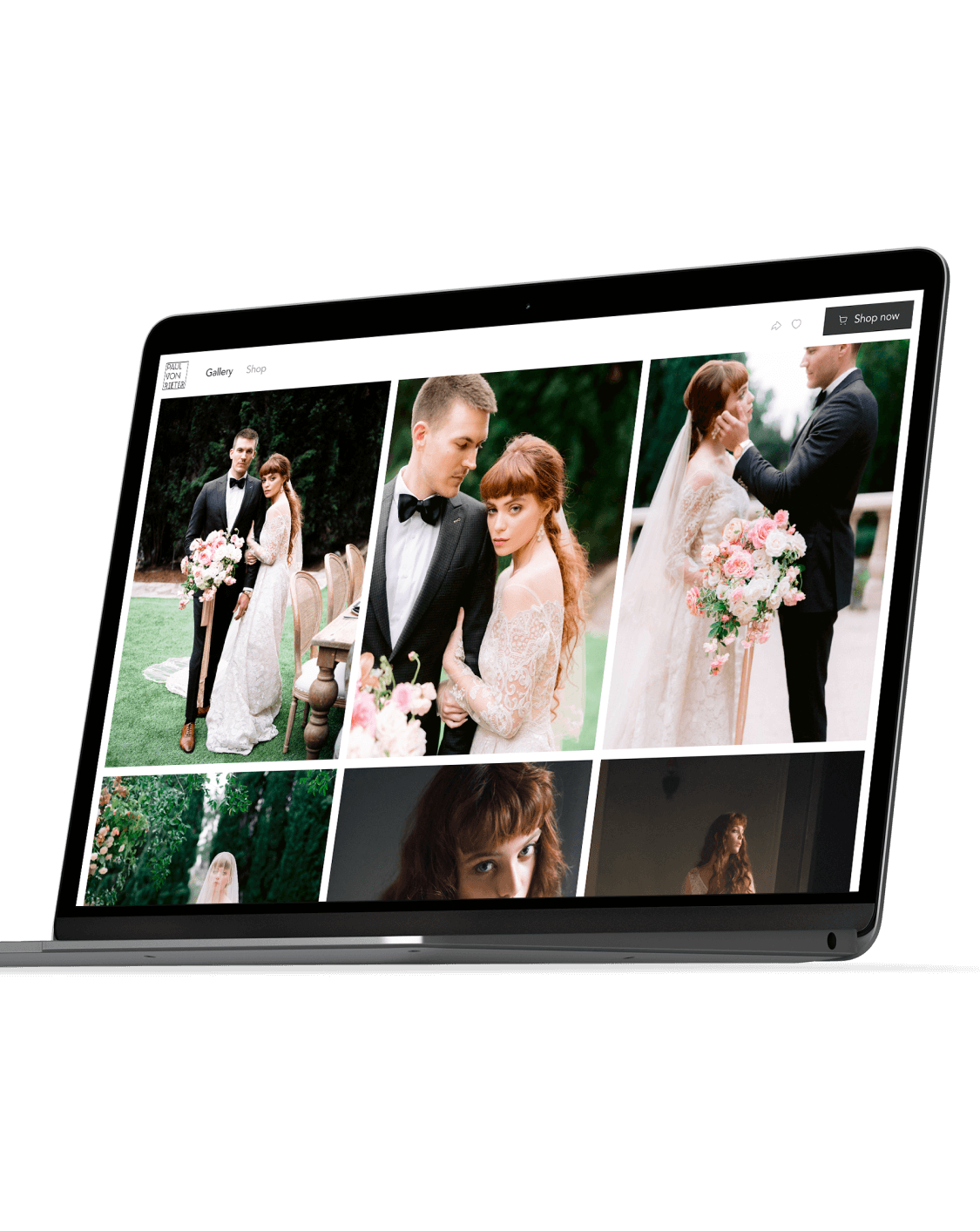
CloudSpot focuses on galleries, delivery and client interaction.
Photographers can use it to deliver images through branded galleries and manage client facing parts of the photography workflow.
It also includes features for selling images and collecting information from clients.
What stands out
- Client galleries
- Photo delivery
- Gallery customization
- Online sales
- Client experience tools
CloudSpot can be worth considering if your main priority is creating a polished way for clients to receive and interact with their photos.
7. SmugMug
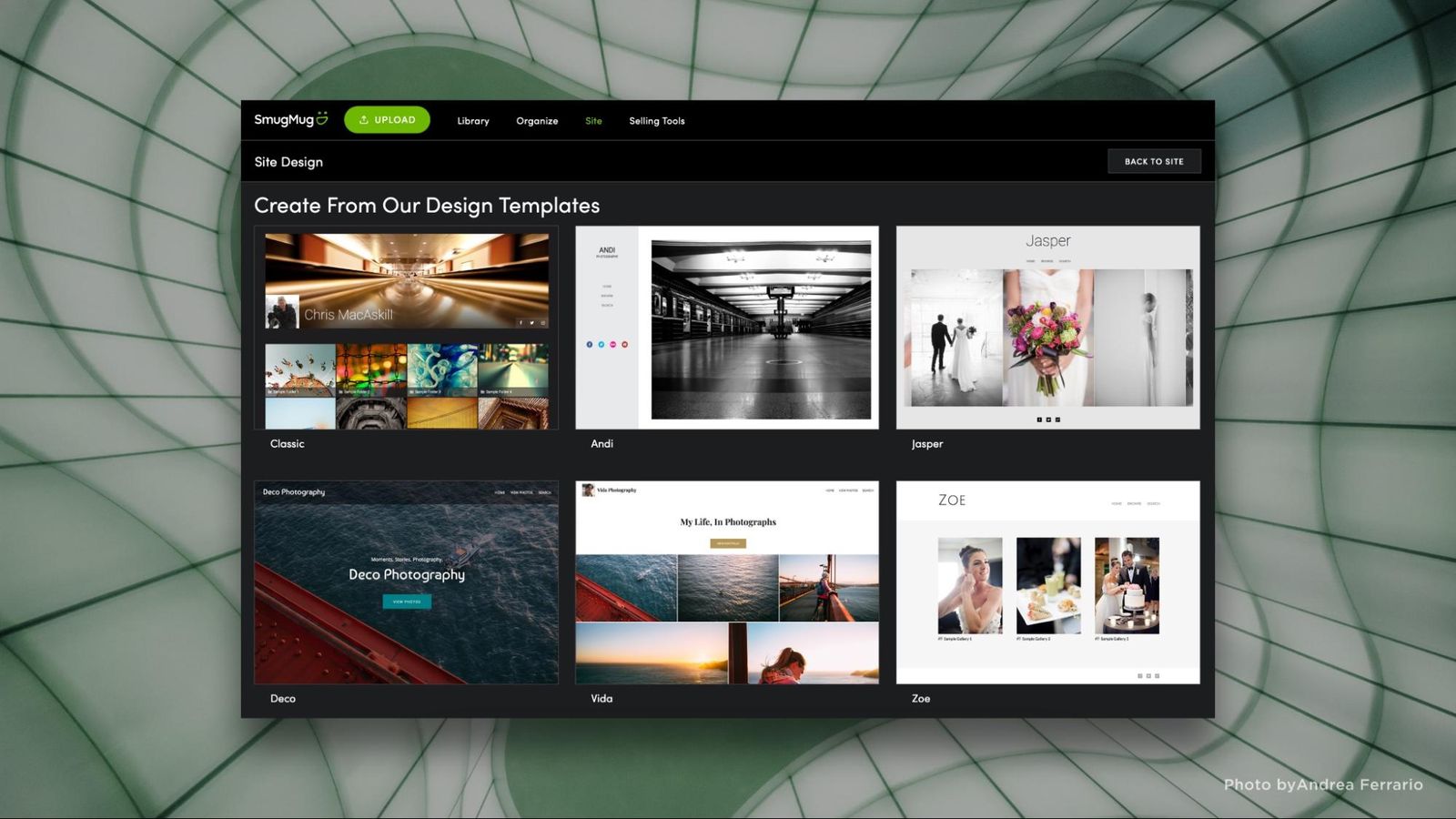
SmugMug has been around for many years and is widely used for photography storage and online galleries.
Its focus extends beyond client delivery. Photographers can use it to host and showcase their work publicly while also creating private galleries for clients.
What stands out
- Photo storage
- Online galleries
- Photography portfolio
- Photo sales
- Customizable presentation
It can be useful for photographers who want one place to showcase their portfolio and store their photography online.
Client gallery comparison
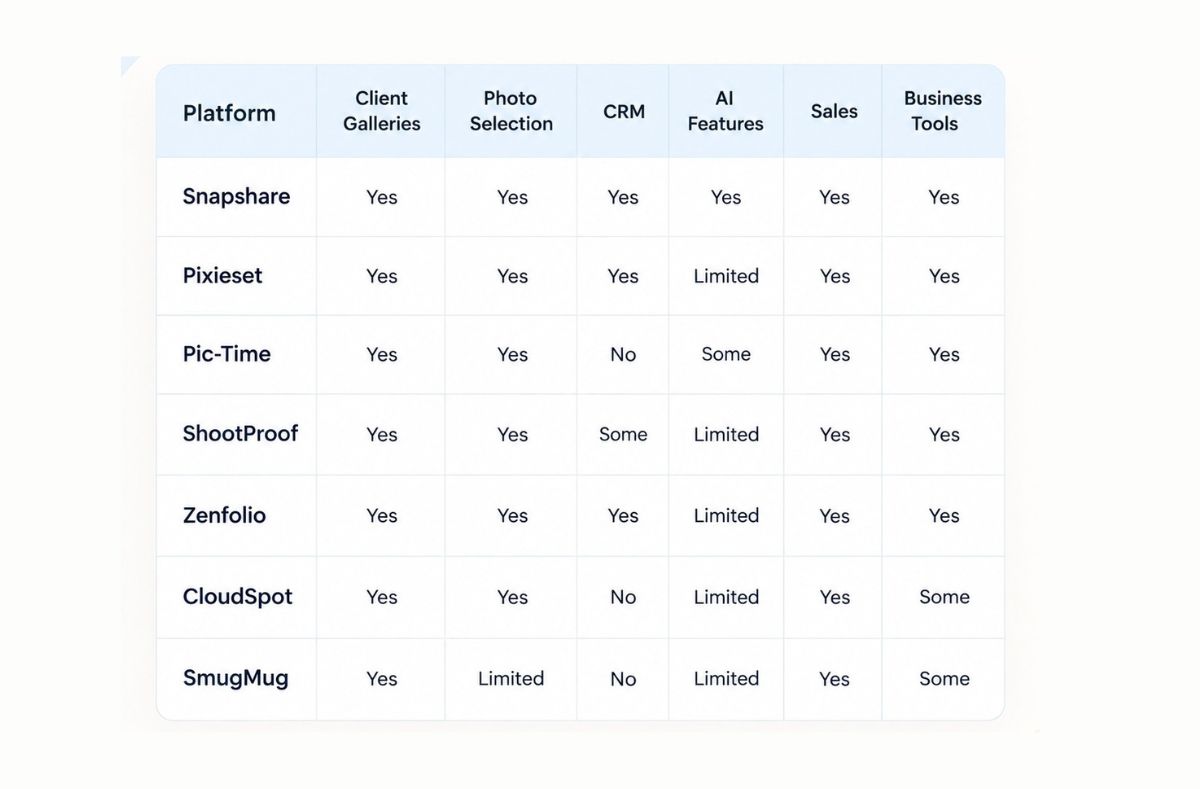
The exact features and plan limits can change over time, so it is worth checking each platform's current pricing and feature pages before making a decision.
Which client gallery is right for your photography business?
The answer depends more on your workflow than on the number of features a platform has.
If you mainly need beautiful client galleries
Look at platforms that put the gallery experience first.
Your priorities should be presentation, branding, mobile experience, downloads and ease of use.
If you photograph weddings
Your workflow may involve much more than delivering the final gallery.
You may need client communication, photo selection, large file delivery, deadlines and ways to keep projects organized.
A platform that connects these steps can reduce the amount of manual work involved.
If you photograph events
Event photography can involve thousands of images and many people accessing the final gallery.
Speed, organization and easy sharing become especially important.
Features such as AI culling, face recognition and simple client access can become useful here.
If you work with commercial clients
Commercial photography often involves approvals and image selection.
In this case, proofing and selection features can be more important than public portfolio features.
If you are a portrait photographer
Your priorities may be different.
You might care more about beautiful galleries, simple client selection and a premium branded experience.
The best platform is the one that fits the way you actually work.
Do photographers need a separate gallery and CRM?
Not always.
A gallery and a CRM solve different problems.
A client gallery is mainly designed to help clients view, select and receive photos.
A CRM is designed to help photographers manage client relationships and business information.
If you are using separate tools for both, you may end up moving information between platforms.
For a growing photography business, having more of the workflow in one place can make day to day management easier.
But if you already have a CRM that works well for your business, there may be no reason to change everything just for the sake of having an all in one platform.
The important question is simple:
Does your current setup save you time or create more work?
Is AI important in a client gallery platform?
AI is becoming more useful in photography workflows, but it should not be the only reason to choose a platform.
Consider what the AI actually helps you do.
AI culling can help reduce the time spent going through large collections.
Face recognition can help clients find photos of themselves in an event gallery.
Automated organization can reduce repetitive tasks.
These features can be especially useful for wedding and event photographers who regularly work with large numbers of images.
But AI should support the photographer rather than replace the photographer's creative decisions.
Your editing style, storytelling and final image selection still matter.
What about gallery design?
This is easy to underestimate.
Clients may not know what platform you use. They do notice how their photos are presented.
A clean gallery can make a professional photography service feel more premium.
Your gallery should make it easy for clients to:
Open their photos
Navigate between collections
View images on mobile
Select favorites
Download files
Share the gallery
Understand what to do next
The best gallery is not necessarily the one with the most visual effects.
Sometimes simple is better.
How much does a client gallery platform cost?
Pricing varies significantly between platforms.
Some services offer free plans with limitations. Others charge based on storage, features, galleries or subscription levels.
Before choosing a platform, look beyond the monthly price.
Check:
How much storage is included?
How many galleries can you create?
Are downloads limited?
Are branding features included?
Is photo selection included?
Is CRM included?
Are AI features included?
Can clients access galleries easily?
What happens if you cancel?
Are your original files protected?
A cheaper plan may become expensive if you need to add several separate tools later.
At the same time, paying for features you never use does not make sense either.
What should you consider before switching platforms?
Switching a client gallery platform can take time.
You may have years of galleries, client information and workflows connected to your existing system.
Before moving, check how easily you can export your data and migrate active galleries.
It is also worth testing the platform with one real client project before moving your entire business.
Create a gallery.
Upload a real collection.
Send it to a client.
Test downloads.
Try photo selection.
Check the mobile experience.
See how long the complete process takes.
That will tell you much more than simply reading a feature list.
The bigger question is your photography workflow
A client gallery is only one part of the journey.
A typical photography workflow can look something like this:
Shoot, Upload, Cull, Select ,Edit ,Gallery,Client Sharing and Delivery
The problem is that photographers often manage these steps using several different tools.
One tool handles storage.
Another handles culling.
Another handles galleries.
Another handles CRM.
Another handles contracts.
Another handles client communication.
Another handles marketing.
Over time, the number of tools can become difficult to manage.
This is why photography platforms are moving toward broader workflows instead of focusing only on galleries.
The question is no longer just:
Where can I deliver my photos?
It is:
How much of my client workflow can I manage without adding unnecessary work?
There are plenty of client gallery platforms available to photographers in 2026.
Pixieset, Pic-Time, ShootProof, Zenfolio, CloudSpot and SmugMug all take slightly different approaches to galleries and photography business management.
Snapshare takes a broader workflow approach by bringing client galleries together with photo selection, CRM and AI powered tools.
But the right platform depends on your business.
A wedding photographer handling thousands of images may have very different requirements from a portrait photographer delivering twenty edited images.
Before choosing a platform, think about the complete experience from the moment you finish a shoot to the moment your client receives their final photos.
If a platform can make that process simpler while giving your clients a professional experience, it is doing more than hosting your images.
It is becoming part of your photography business.
Publish on:
Written By

Rehna Fathima V
Digital Marketer
Subscribe to our newsletter
Publish on:
Written By
Rehna Fathima V
Digital Marketer