Pixieset Alternatives for Photographers in 2026
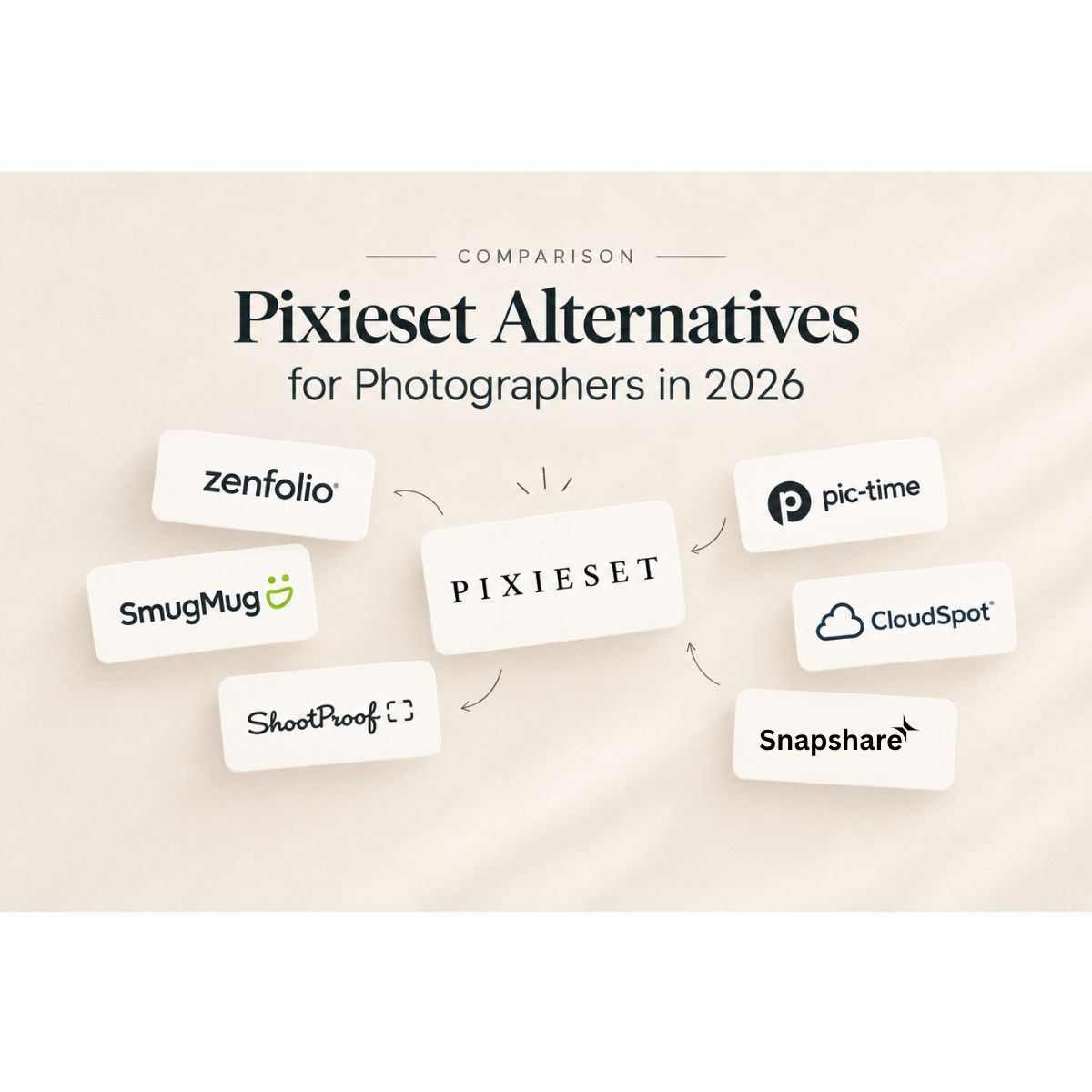
Looking for Pixieset alternatives? Compare popular photography gallery platforms including Pic Time, ShootProof, CloudSpot, SmugMug, Zenfolio and Snapshare.
Pixieset Alternatives for Photographers in 2026
Looking for Pixieset alternatives? Compare popular photography gallery platforms including Pic Time, ShootProof, CloudSpot, SmugMug, Zenfolio and Snapshare.
Introduction
Pixieset has become a familiar name for photographers who need a simple way to deliver images to clients. Its Client Gallery supports photo delivery, proofing, favorites, downloads and print sales. Pixieset also offers website and studio management tools as part of its wider platform.
But not every photographer works the same way.
A wedding photographer may need a beautiful gallery with strong client selection features. A high volume photographer may care more about storage and delivery speed. A studio may want CRM and booking tools. Another photographer may want AI features that reduce the amount of manual work between a shoot and the final gallery.
That is why photographers often search for Pixieset alternatives.
The right platform depends less on which service has the longest feature list and more on how well it fits your actual workflow.
In this guide we will look at some of the most relevant Pixieset alternatives for photographers in 2026 and what each platform can bring to your business.
Why photographers look for Pixieset alternatives
Pixieset covers several important parts of photography business management. Its Client Gallery allows photographers to create collections, customize galleries, share photos, manage downloads and use proofing features.
However your needs can change as your photography business grows.
You might start with simple client galleries and later need:
- More advanced client selection
- Better workflow automation
- CRM features
- AI powered photography tools
- More storage
- Better print sales
- A stronger mobile experience
- Faster photo delivery
- Better control over your brand
- Business management tools
This is where looking at alternatives becomes useful.
Instead of asking “Which platform is better than Pixieset?” a more useful question is:
“Which platform fits the way I work?”
What should you look for in a Pixieset alternative?
Before switching platforms it helps to look beyond the gallery itself.
A photography gallery is now part of the overall client experience. Your clients use it to view their photos, select images, download files and sometimes purchase prints.
For photographers, the platform can also affect what happens before and after delivery.
Here are some important areas to compare.
Client gallery experience
Look at how your photos are presented on desktop and mobile.
A good photography client gallery should make it easy for clients to browse their images without feeling complicated.
Photo selection and proofing
If you photograph weddings, portraits or commercial projects you may need clients to select their favorite images.
Check whether the platform supports favorites, selection lists, limits and other proofing workflows.
Photo delivery
Think about how quickly you can upload and deliver a large collection.
Your delivery workflow should not create unnecessary manual work after you have finished editing.
Branding
Your gallery is another touchpoint between your brand and your client.
Look for control over colors, fonts, covers, logos, domains and other branding elements.
Storage
Wedding photographers can easily accumulate thousands of images.
Storage limits can become an important factor when comparing gallery platforms.
CRM and business management
If you want to manage clients, projects and communication from one place then CRM features may matter as much as the gallery itself.
AI features
AI is becoming part of photography workflows in areas such as culling, face recognition and image organization.
If you already use AI tools elsewhere it is worth checking whether your gallery platform can reduce some of that extra work.
1. Pic Time
Pic Time is one of the well known alternatives to Pixieset for photographers who place a strong focus on gallery presentation and client experience.
Its gallery system is designed around visual storytelling. Photographers can customize elements such as backgrounds, fonts, grid layouts and cover scenes. Pic Time also supports client selection and collection workflows.
This can make it particularly interesting for wedding and portrait photographers who want the gallery to feel like an extension of their photography brand.
Pic Time also provides features for client access, selections and sales workflows.
Good for
- Wedding photographers
- Portrait photographers
- Photographers who care about visual presentation
- Print and album sales
- Story driven galleries
Consider it if
Your main priority is creating an immersive gallery experience that feels closely connected to your photography brand.
2. ShootProof
ShootProof takes a more workflow focused approach to online photography galleries.
It is known for client galleries and proofing features along with business tools such as contracts and invoicing. Current 2026 comparisons also list ShootProof among the major gallery platforms photographers consider when looking for an alternative to Pixieset.
The platform can be useful for photographers who regularly need clients to review and select images.
For photographers working with schools, events, sports, portraits or other high volume projects, the proofing workflow can be an important part of the decision.
Good for
- Event photographers
- Portrait photographers
- School and sports photographers
- Photographers who rely heavily on proofing
- Studios that need business management tools
Consider it if
Client selection and proofing are a major part of your workflow.
3. CloudSpot
CloudSpot is another popular photography client gallery platform.
It combines online galleries with studio management features. Current comparisons highlight its combination of gallery delivery and business management tools.
For a photographer who wants more than just a place to deliver images, this can be useful.
The idea is simple. Instead of using one tool for your gallery and another tool for parts of your studio management, you can look for a platform that brings more of those activities together.
Good for
- Wedding photographers
- Portrait photographers
- Studio owners
- Photographers looking for gallery and business tools
Consider it if
You want your client gallery experience and studio management to sit closer together.
4. SmugMug
SmugMug has been around for many years and takes a slightly different approach from platforms that focus primarily on client delivery.
It is particularly known for photography websites, galleries and storage. Current 2026 comparisons continue to highlight its storage offering and website capabilities.
This can make it relevant for photographers who want to showcase their portfolio while also managing a large photography library.
Good for
- Photographers with large image libraries
- Portfolio focused photographers
- Photographers who want website and gallery capabilities
- High volume image storage
Consider it if
Storage and portfolio presentation are major parts of your photography business.
5. Zenfolio
Zenfolio combines photography websites, galleries and business features.
It can be useful for photographers who want more than a standalone client gallery.
Current 2026 comparisons describe Zenfolio as a platform that combines portfolio and gallery capabilities with studio and booking related tools.
Good for
- Portrait studios
- Family photographers
- Photographers who need a website
- Studios looking for booking related features
Consider it if
You want your photography website and client gallery experience to work together.
6. Pixpa
Pixpa is another option worth considering if your photography business needs a website alongside galleries.
Its platform combines website building with portfolio features, galleries and other tools for creative professionals. A 2026 comparison of Pixieset alternatives also includes Pixpa among the platforms photographers can consider when they want a broader website and business solution.
Good for
- Photographers building their first professional website
- Portfolio focused photographers
- Creative professionals
- Photographers who want website and gallery tools together
Consider it if
Your website and portfolio are just as important as your client delivery experience.
7. Snapshare
For photographers who want to bring more of their photography workflow into one platform, Snapshare takes a broader approach than a traditional client gallery.
Instead of treating the gallery as the final step, Snapshare is built around the workflow that happens before the client receives the final images.
A photographer can move through areas such as storage, AI culling, photo selection and client galleries while also using business tools such as CRM and Workspace.
This can be useful when the main problem is not simply where to deliver photos but how to reduce the work between the shoot and the final delivery.
Snapshare also includes features such as AI Face Recognition for helping clients find their photos and Photo Selection for managing client selections.
For photographers handling weddings and events, this workflow can be especially useful because there are often several stages between uploading the images and sharing the finished gallery.
Good for
- Wedding photographers
- Event photographers
- Portrait photographers
- Photographers looking for an integrated workflow
- Teams managing multiple photography projects
- Photographers interested in AI assisted workflows
Consider it if
You want your photo storage, culling, selection, gallery and client management workflow to feel more connected.
How to choose the right Pixieset alternative
There is no single platform that fits every photographer.
Start with your biggest workflow problem.
If gallery design is your priority
Look closely at platforms that give you strong control over gallery presentation and storytelling.
Pic Time is one example with extensive gallery customization options.
If proofing is a major part of your workflow
Look for strong selection and client approval features.
This is especially important for wedding photographers, portrait photographers and commercial photographers.
If you need business management
Look beyond the gallery.
CRM, contracts, invoices, bookings and client communication can reduce the number of separate tools you need to manage.
If you handle large volumes of photos
Storage and organization should be high on your list.
A platform that works for a small portrait session may not feel the same when you are managing large weddings or multiple events every month.
If you want AI in your workflow
Check exactly where AI is being used.
AI can mean very different things across photography platforms. It may be used for culling, face recognition, image organization or other workflow tasks.
If client experience is your priority
Open the gallery as if you were the client.
Ask yourself:
Can they find their photos easily?
Can they select their favorites without confusion?
Can they download their images easily?
Does the gallery look professional on mobile?
Does the experience feel like my photography brand?
These questions can be more useful than simply counting features.
Should you switch from Pixieset?
Not necessarily.
Pixieset continues to provide client galleries with photo delivery, proofing, favorites, downloads and sales features. It also continues to expand the wider platform around websites and studio management.
The reason to explore a Pixieset alternative is not because every photographer needs to leave Pixieset.
It is because your workflow may have changed.
Maybe you need stronger proofing.
Maybe you want more business management.
Maybe you want a different gallery experience.
Maybe you want AI tools.
Or maybe you simply want a workflow that requires fewer separate steps.
The best approach is to identify the part of your current workflow that takes the most time and compare platforms around that specific need.
What photographers should consider before switching
Moving a photography business to a new platform is not a small decision.
Before making the change check:
Your existing galleries
Can you move or recreate your current client galleries easily?
Storage requirements
How much space do you actually need each year?
Client experience
Will your clients find the new gallery easy to use?
Branding
Can the gallery match your photography brand?
Downloads
Check file size limits and download options.
Photo selection
Test the complete selection process before switching.
Print sales
If you sell prints or albums check how the sales workflow works.
CRM
If you want to reduce the number of tools you use check whether the platform actually supports your business workflow.
Pricing
Do not compare only the monthly subscription. Look at storage, transaction fees, commissions and paid add ons.
The real question is your workflow
Choosing a client gallery platform is no longer only about finding somewhere to upload photos.
Your gallery is part of the client experience.
Your workflow also affects how quickly you can move from a finished shoot to a finished delivery.
For some photographers that means choosing a platform with strong gallery design.
For others it means better proofing.
For others it means CRM and business management.
And for photographers who want to reduce manual work it may mean bringing storage, AI tools, photo selection and client delivery closer together.
Before choosing a Pixieset alternative, map your current workflow from shoot to final delivery.
Then look for the platform that removes the most friction from that process.
Pixieset is one of several established options for photographers who need online galleries and client delivery.
Pic Time focuses strongly on gallery presentation and storytelling. ShootProof puts significant emphasis on proofing and photography business workflows. CloudSpot combines galleries with studio management. SmugMug is well suited to photographers who also care about websites and large image libraries. Zenfolio and Pixpa bring website and business features into the mix.
Snapshare takes a workflow focused approach by connecting areas such as storage, AI culling, photo selection, client galleries and CRM.
The important thing is not simply finding a Pixieset alternative.
It is finding a platform that makes your photography business easier to run while giving your clients a professional experience from the first upload to the final download.
FAQ
What is the best Pixieset alternative for photographers?
The right alternative depends on your workflow. Compare gallery design, proofing, storage, client management, AI features, sales and website requirements before making a decision.
What are the most popular Pixieset alternatives in 2026?
Photographers researching Pixieset alternatives commonly compare platforms such as Pic Time, ShootProof, CloudSpot, SmugMug, Zenfolio and Pixpa.
Is Pic Time a good Pixieset alternative?
Pic Time offers customizable client galleries with options for gallery design, covers, scenes and client selection.
Is ShootProof a Pixieset alternative?
Yes. ShootProof provides online galleries and proofing features and also includes photography business tools.
Is CloudSpot a Pixieset alternative?
Yes. CloudSpot combines photography galleries with studio management features and can be considered by photographers looking for both gallery delivery and business tools.
What should wedding photographers look for in a Pixieset alternative?
Wedding photographers should consider gallery presentation, large gallery support, client selection, downloads, mobile experience, branding, print sales and workflow automation.
For more on improving wedding photo delivery speed click on How to Deliver Wedding Photos Faster Without Sacrificing Quality.
Can a Pixieset alternative help photographers deliver photos faster?
It can. The biggest difference often comes from reducing manual steps between editing, organizing, selecting and delivering images.
Should I switch from Pixieset?
There is no need to switch simply because another platform exists. Compare your current workflow with the features you actually need and decide whether another platform would solve a specific problem in your business.
Publish on:
Written By

Rehna Fathima V
Digital Marketer
Subscribe to our newsletter
Publish on:
Written By
Rehna Fathima V
Digital Marketer